
01
UGC ad localization
Remove the original word-by-word caption, then add the new market’s hook and captions in your editor.
AI video text remover
Social captions are part of the picture: word-by-word text, hooks, handles, and stickers. Upload the clip, mark the caption area, and get an MP4 with the text gone and the background rebuilt.
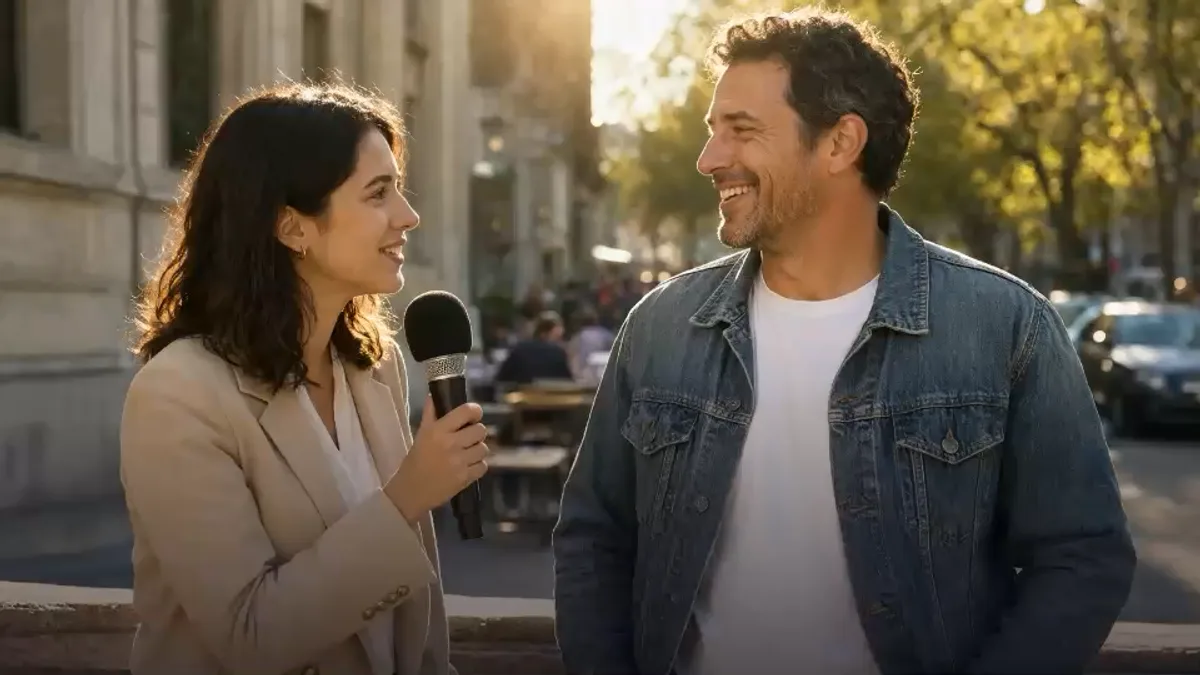
THIS CHANGES EVERYTHING
BEFOREAFTERor drop a file here
No clip handy? Try one of these



This demo renders in your browser. Your file never leaves your device.
For dialogue subtitles, use the subtitle workflow. This page is for social captions, open captions, and on-screen text.
Captions vs subtitles
In social video, “captions” usually means the word-by-word text, hook, handle, or sticker burned into the frame. It can move, change size, and sit anywhere, including over a face.
Dialogue subtitles are a different job: a translation or accessibility track for what people say. If that is your clip, use the remove subtitles from video workflow instead.
For a saved TikTok, the TikTok text remover is set up for its caption and handle layers. For Reels, Shorts, UGC ads, and other MP4s, Select area is usually the safest mode.
What is burned in?
Screenshot a frame and mark each layer before you upload.
If the words are dialogue translation, the subtitle page is the better intent match. Do not use both pages for the same clip.
Where it fits
UGC ads, Reels, Shorts, and client cuts.
Remove the original word-by-word caption, then add the new market’s hook and captions in your editor.
Repost your own vertical clip with a new message instead of reshooting the scene.
Clean an old hook or title card from a short lesson preview before reusing it.
Remove a client’s outdated handle or delivery note from a final MP4 without asking for a rebuild.
What clean looks like
Illustrative frames. Test the busiest caption frame before you commit to the full clip.
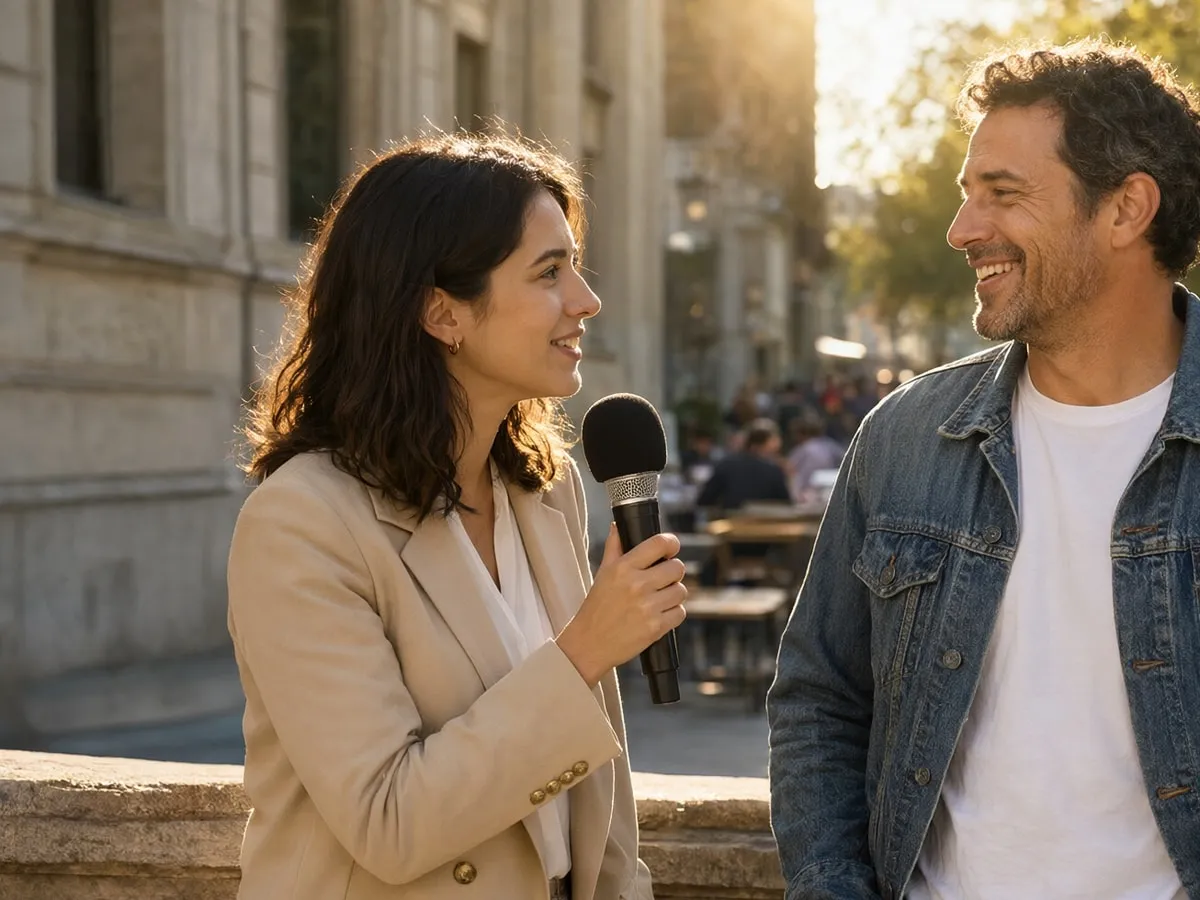
A caption that stays in one lower band is the safest case. Box it tightly and check the first and last frame.

Box each position, or switch to Select area. Expect the repaired patch to soften when the background moves behind it.
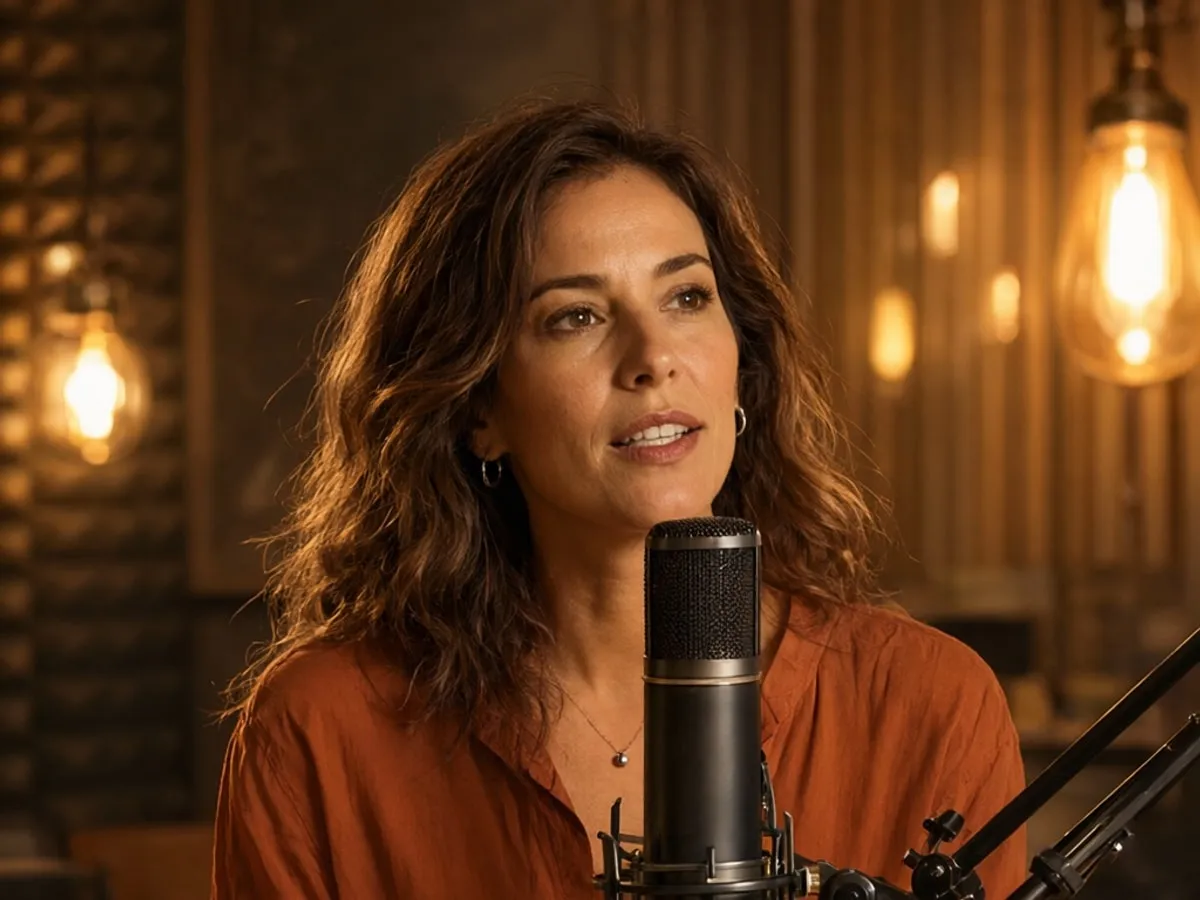
Faces, hands, and product labels can leave artifacts. If the hardest five seconds fail, plan a manual cleanup pass.
Live jobs process the whole uploaded clip. Trim a short test clip first; a 5-second minimum applies.
Try a sample clipWhere caption removal gets hard
Audio and frame size are unchanged. Review the result before you download.
Upload a videoThe sample never uploads. Live jobs go to the processing provider; see the Privacy Policy for retention.
FAQ
What this page covers, what it does not, and how it differs from subtitles.
Still unsure? Email us before you spend credits.
support@cleanvideotext.comIn social video, captions usually mean word-by-word text, hooks, handles, or stickers rendered into the frame. Subtitles usually mean a dialogue translation or accessibility track. This page is for burned-in social captions; the subtitle page is for dialogue subtitles.
Yes, when the captions are burned into footage you own or are licensed to edit. Upload the clip, choose Select area, box the caption, and render. The frame size and audio are designed to stay the same.
The sample is free. Every account gets 30 free credits each month: 30 seconds in Auto or Subtitles, or 15 seconds in Select area. A 5-second minimum applies.
Sometimes. Box each position, or use one tight Select area box per movement zone. Fast changes over a face or fine detail are the hardest case; test the busiest five seconds first.
Not inside the app. A soft caption track is a separate stream, so remove it with a remux in FFmpeg, HandBrake, or your editor. The AI workflow is for burned-in text.
The workflow is designed to keep the original audio and duration, then re-encode an MP4 with the source frame size. Check the download before publishing, especially on variable-frame-rate footage.
No. The moving TikTok watermark needs a separate validated model and is not part of this workflow. Use the TikTok page for captions and handles on saved clips.
Footage you own or are licensed to edit, including client work where you have permission. Do not use it to strip a third-party watermark, credit, or attribution mark for redistribution.
Sign in with Google, upload a clip, and see what the background looks like after the text is gone.
Ask AI
A ready-made question about burned-in subtitles, soft tracks, and the trade-offs opens in a new chat.
The question is prefilled where the AI supports it. If not, it is copied to your clipboard — paste and send.


